Serve.Love · Certifications
How a nonprofit sets up a certification (a short quiz, a signed agreement, a staff sign-off) and how it works for a volunteer at sign-up time. Untrained volunteers can't take a shift until they're certified, and nobody has to chase paperwork.
Name it, paste your quiz and your agreement, pick who approves. A few minutes.
One dropdown. Every sign-up for that event checks for it.
They do the training on their phone, you approve, they sign up. Good for a year.
Our example: Harvest Table Community Pantry wants everyone working its mobile markets to know the food-safety basics and to sign the volunteer agreement.
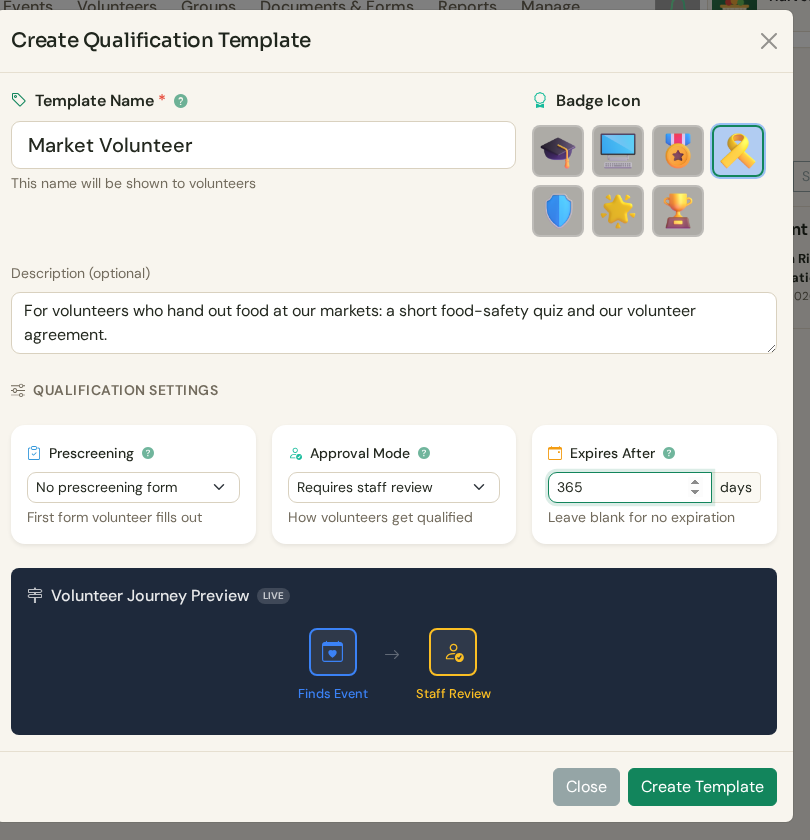
Name it, pick a badge, decide who approves. "Market Volunteer," a staff sign-off at the end, and good for 365 days. The preview at the bottom shows the path a volunteer will walk.
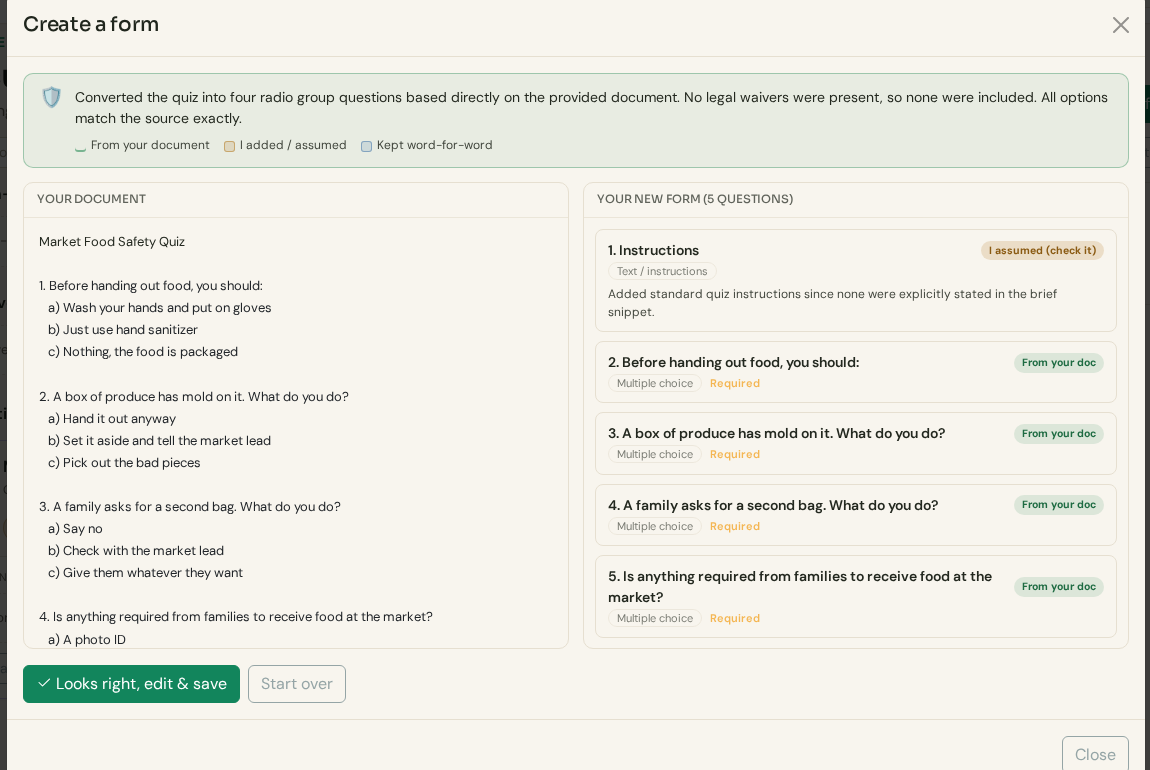
Paste the quiz you already have. Paste your questions, even from an email or a Word doc, and they become a form. Each question is tagged so you can see what came from your document.
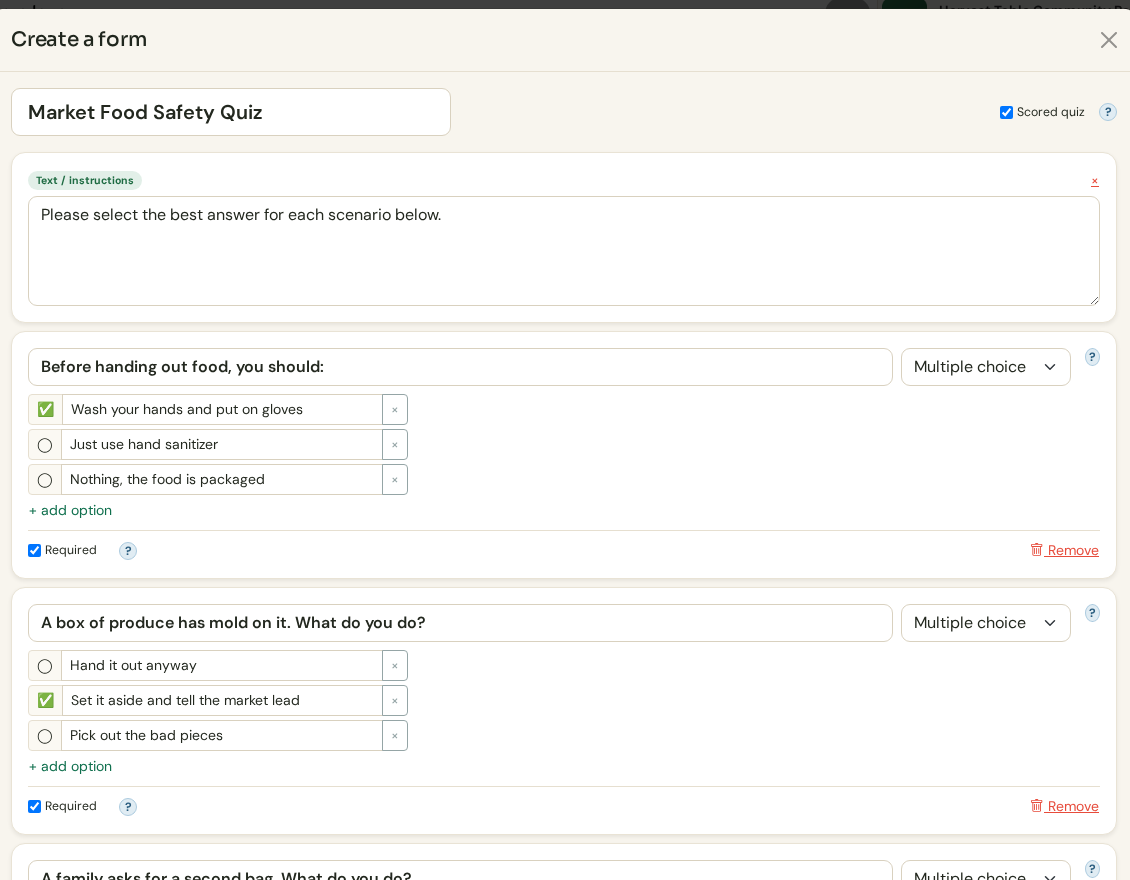
Mark the right answers. Tap the correct choice on each question and it becomes a scored quiz. A volunteer has to get them right to move on.
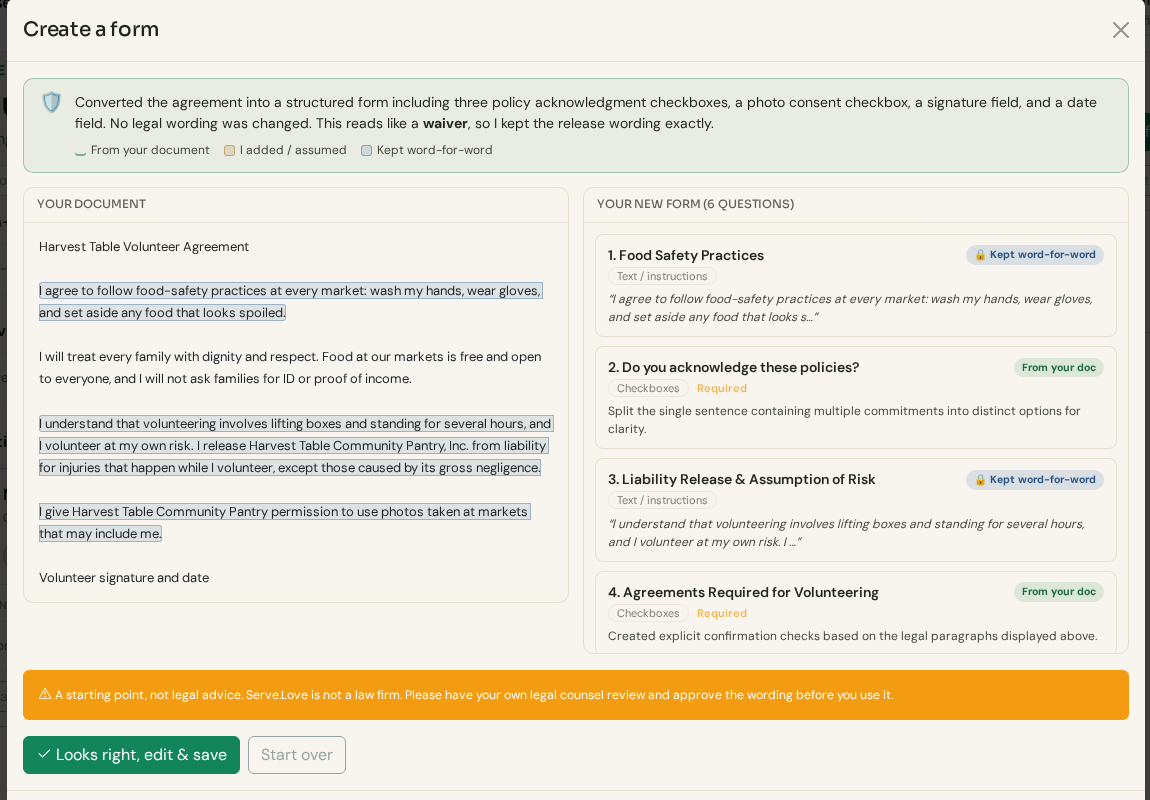
Your waiver, word for word. Paste the agreement and it becomes a form with checkboxes, a signature, and a date. Release and liability wording is kept exactly as you wrote it, and the screen says so.
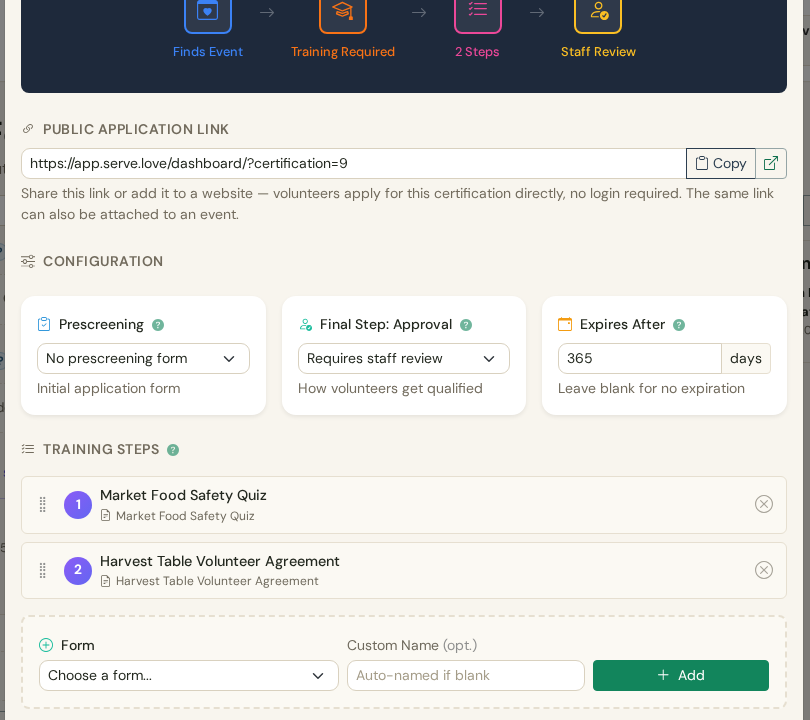
The whole path in one place. Quiz, then agreement, then staff review. Drag steps to reorder. There is also a public application link you can put on your website, so people can get certified before they pick an event.
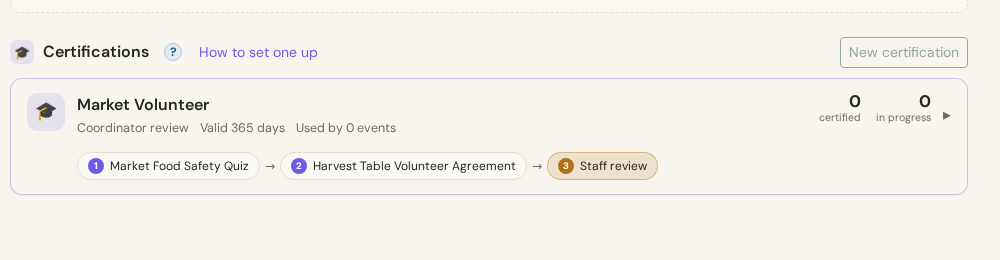
Saved. It sits under Documents & Forms with a count of who is certified and who is in progress.
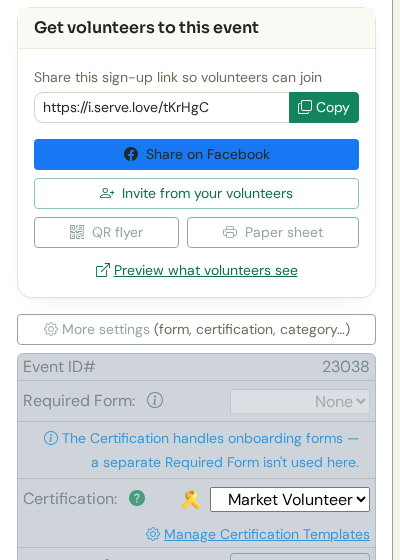
Turn it on for an event. On any event, open More settings and pick the certification. Our example is the Mobile Market Setup on October 15. Nothing else changes: same link, same flyer.
Jordan, a regular volunteer, opens the event link on their phone and picks a shift, the same as any event. This time there is one more stop before the spot is theirs.
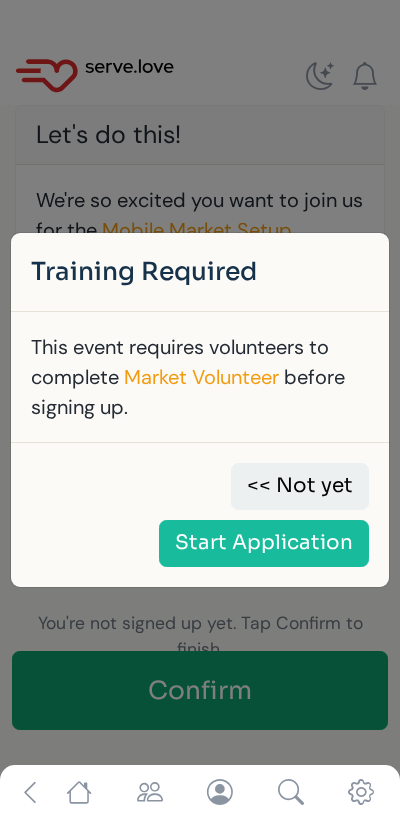
When Jordan taps Confirm, Serve.Love checks for the certification. Jordan doesn't have it yet, so instead of a sign-up they get a plain explanation and a Start Application button.
Already certified volunteers never see this. They sign up like normal.
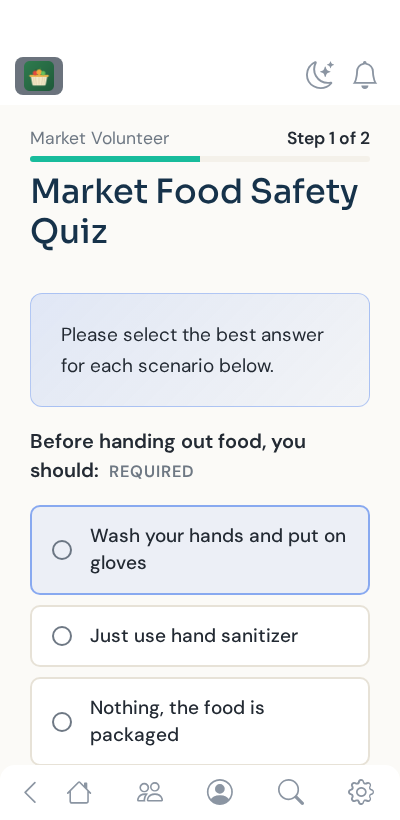
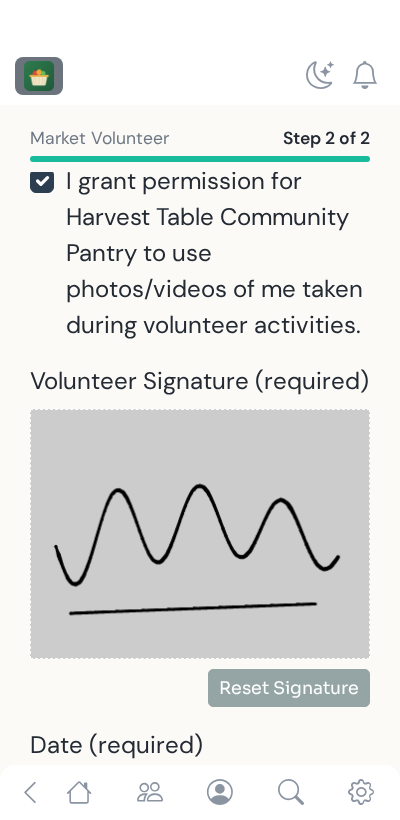
Each step shows "Step 1 of 2" so they know how much is left. They answer the food-safety questions, then read and sign the agreement with a finger.
It all happens on their phone, in a few minutes, with no app to install.
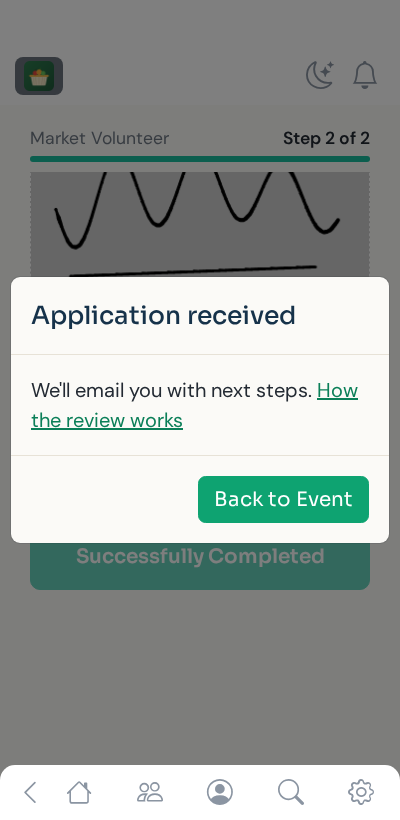
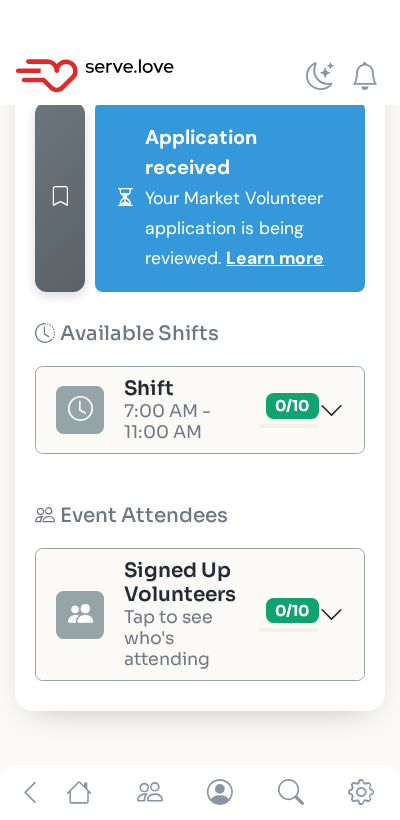
Waiting applications show up right on the event, and on your Reports page.
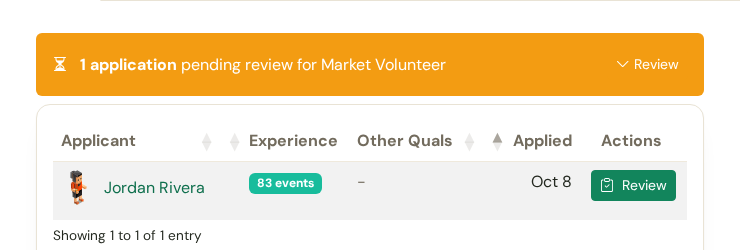
"1 application pending review." You see how many events they have already worked, and any other certifications they hold.
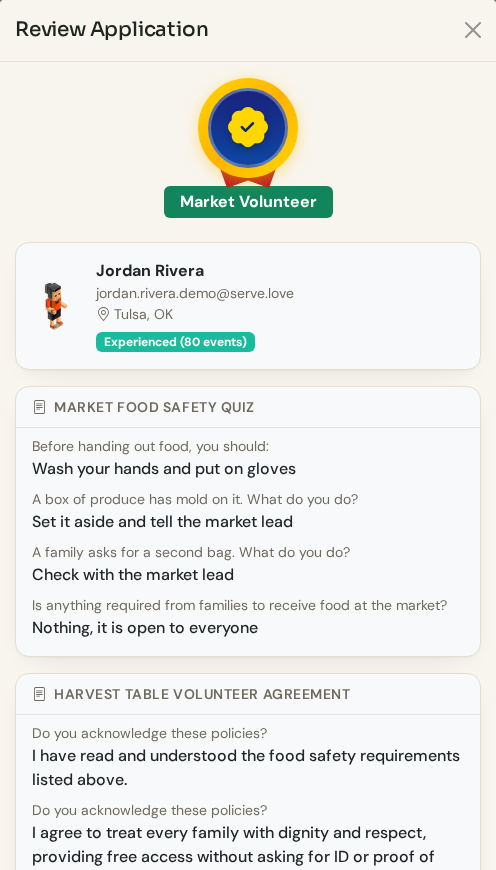
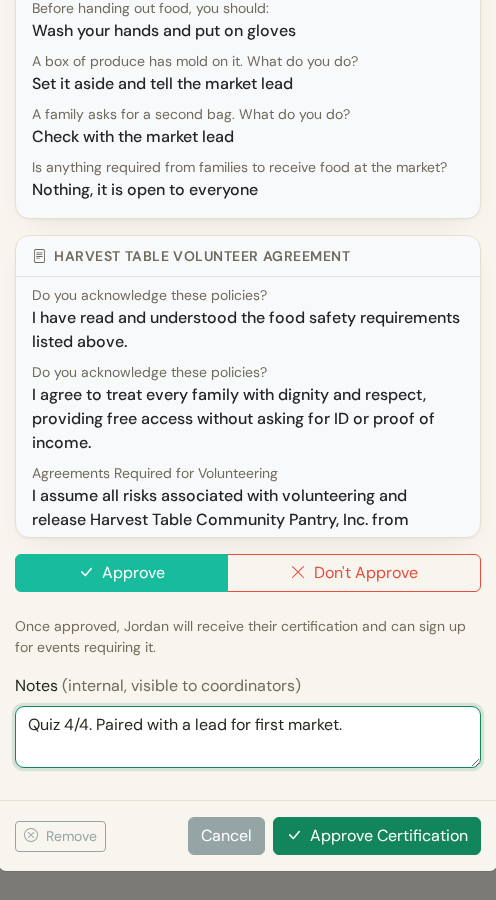
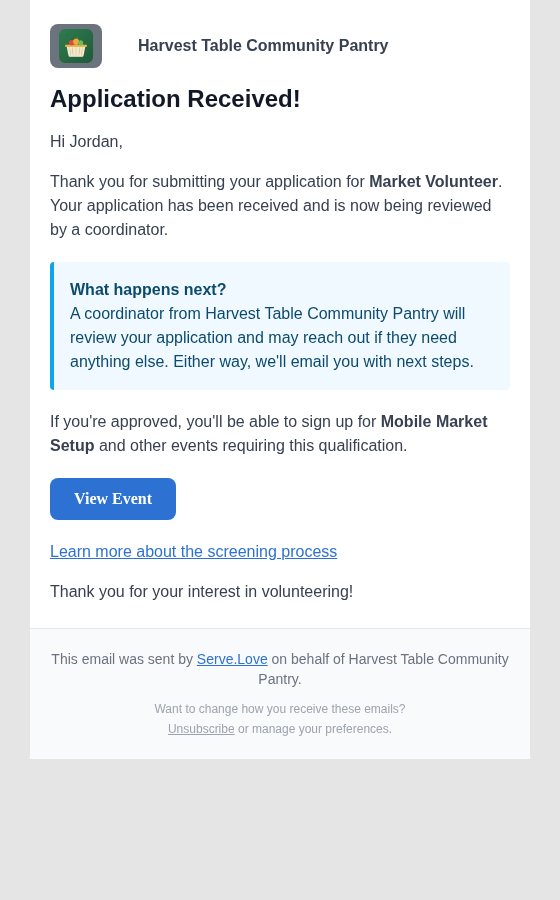
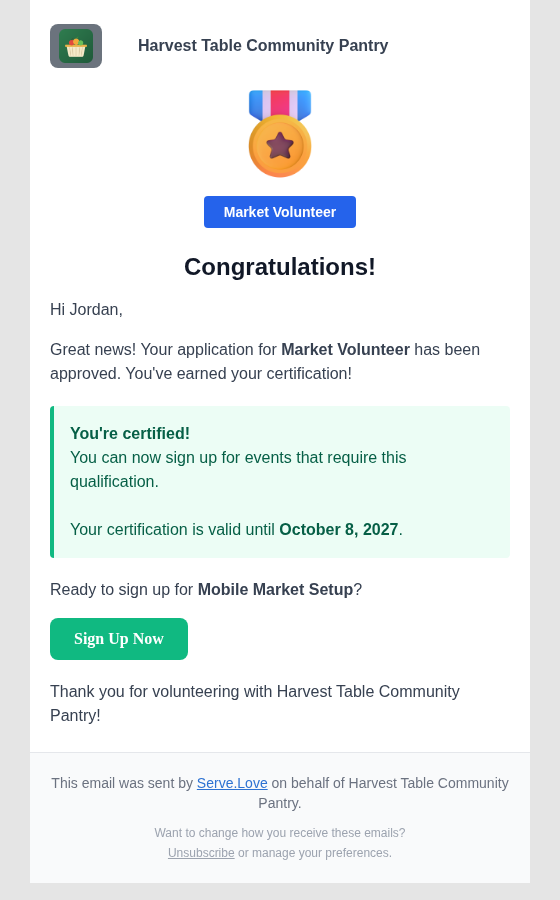
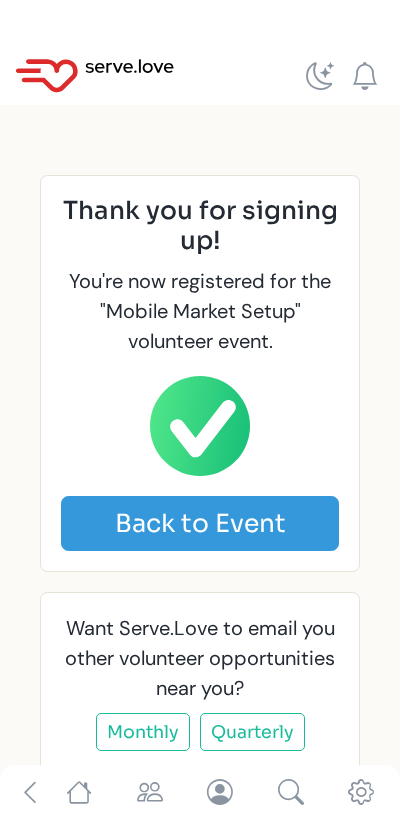
Jordan can now sign up for any event that requires Market Volunteer, with no gate, until the certification expires. Then they are asked to renew, the same way.
The quiz answers, the signed agreement, who approved it, and when it expires are all kept on the volunteer's record.
Waiver and release wording is kept exactly as you wrote it. Have your own counsel approve it, as always.
Pick staff review for roles that need judgment, or auto-approve when passing the quiz is enough.
A step can be any form you build, like an application or a skills check, plus a device check or practice call for virtual roles.
 Serve.Love